 Mail Notes Quick email notes for Android

Capture the thought without opening your email app.
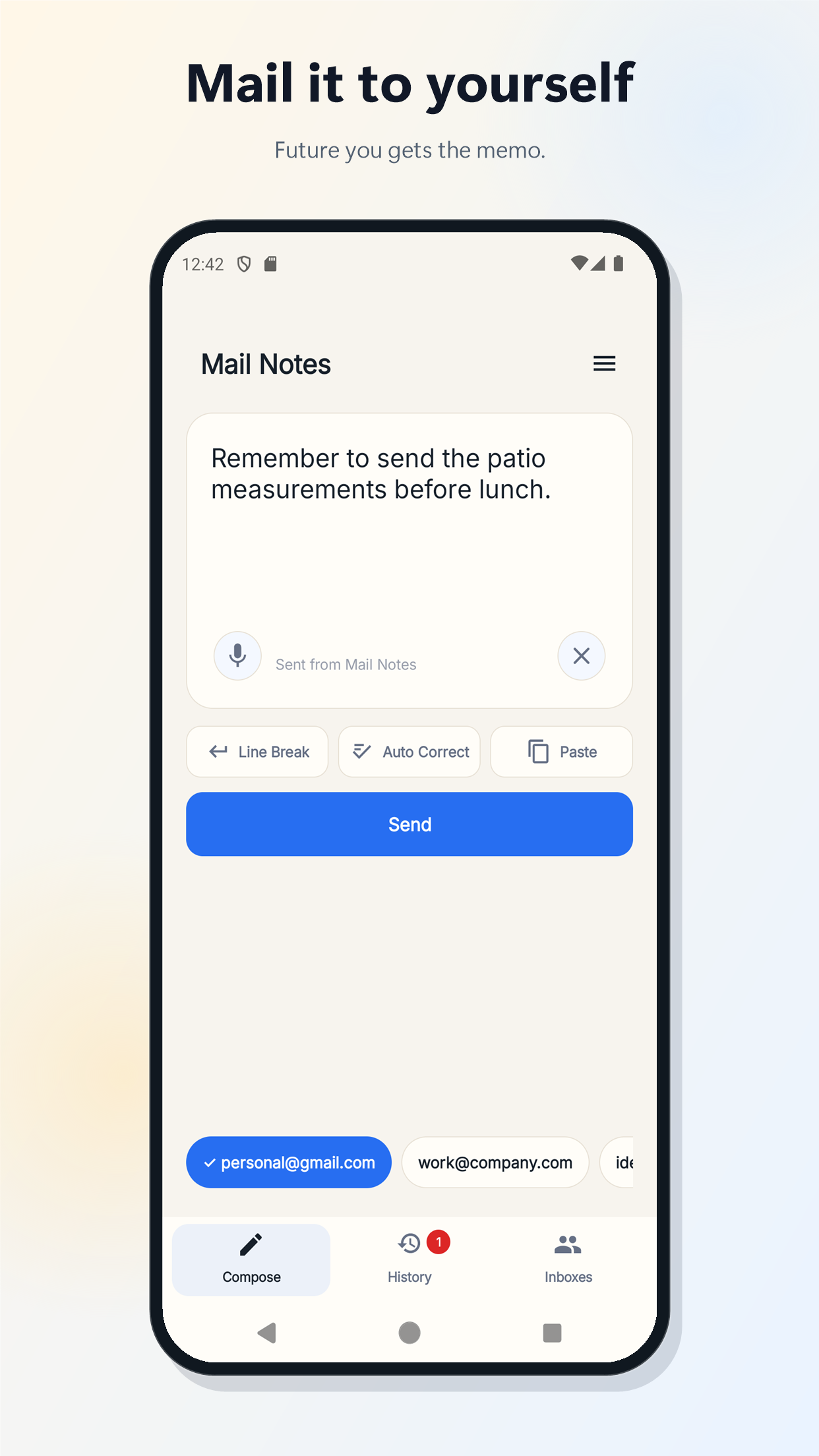
Mail Notes keeps the flow short: open the app, type or dictate the thought, choose the inbox, and send.
Capture reminders, ideas, links, meeting notes, and small to-dos before they slip away.
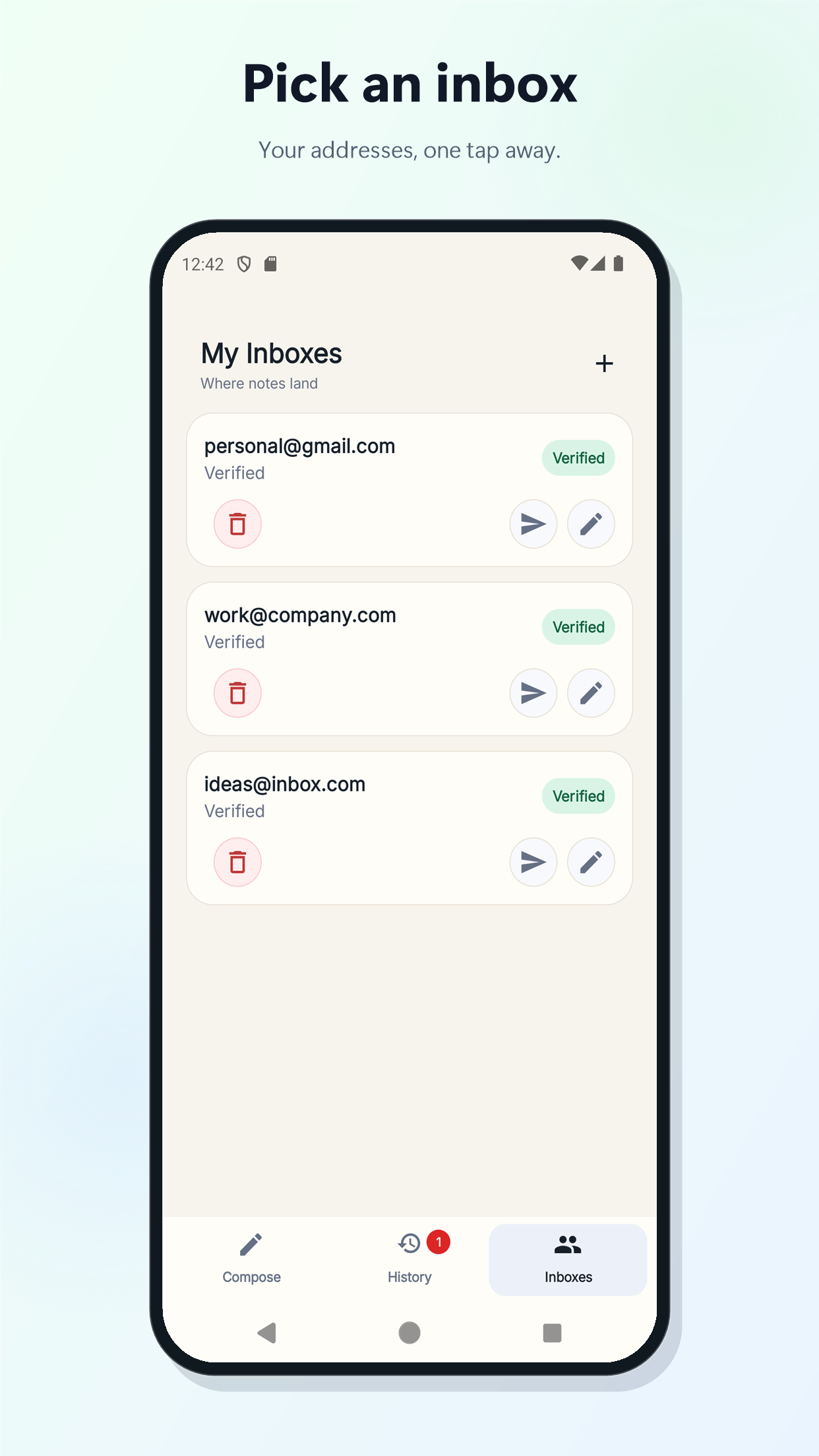
Use verified email addresses for personal notes, work notes, ideas, or any inbox you trust.
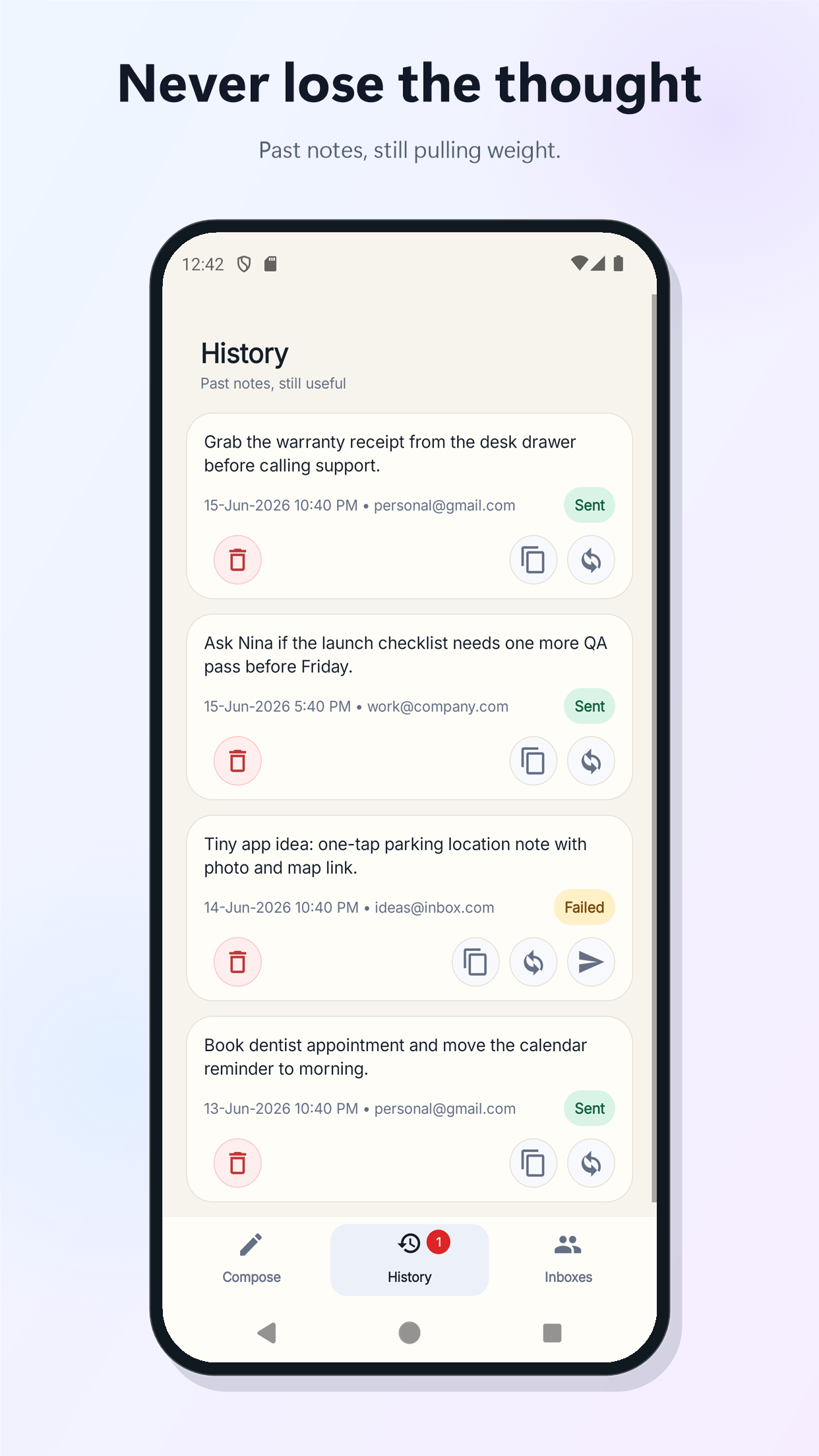
Reuse, copy, or delete previous notes so repeat reminders stay quick.
A focused utility with the right shortcuts.
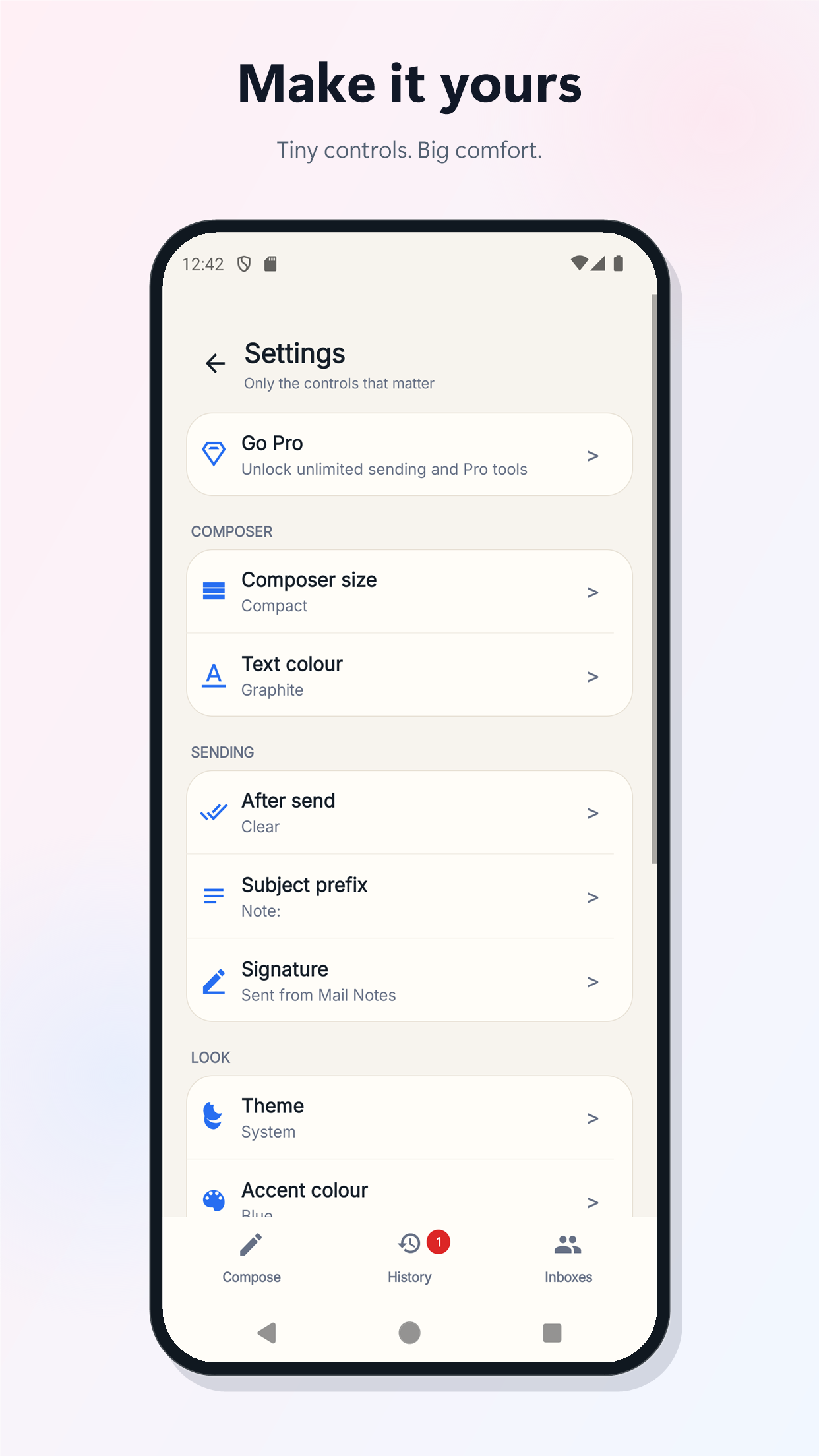
Voice entry, clipboard paste, local history, verified recipients, and a clean compose screen keep the app focused on one job.
Turn quick voice thoughts into email notes.
Move links, snippets, or copied text into your inbox.
Your inbox becomes the searchable trail.
Use it when email is where the note belongs.
Mail Notes is not trying to replace your bigger productivity tools. It is the fast capture button for your inbox.
- Email a reminder to yourself.
- Send a quick work note to your work inbox.
- Capture a voice note as text.
- Move clipboard text or a link into email.
- Create a searchable trail of small notes.
Keep the thought. Skip the email draft.
Mail Notes gives you a faster way to send the small things to the inbox where you already organize your life.